ArionUI for .NET desktop

One engine for data grids, charts and whole desktop UIs.

Pure C#, GPU by default, Avalonia, WPF and WinForms.

ArionUI does not build a control for each row. It draws what fits on the screen, from one Skia renderer shared by all three hosts — the same data as a table, a card board, a tree, a pivot or a chart, and now the rest of the window: boards, style sheets and drawn controls.

dotnet add package ArionUI.Rendering.Avalonia --prerelease

Get started Download the demo Windows x64 GitHub

  • Engine and grid: Apache-2.0
  • Pro modules free during the preview
  • .NET 10 · Avalonia · WPF · WinForms
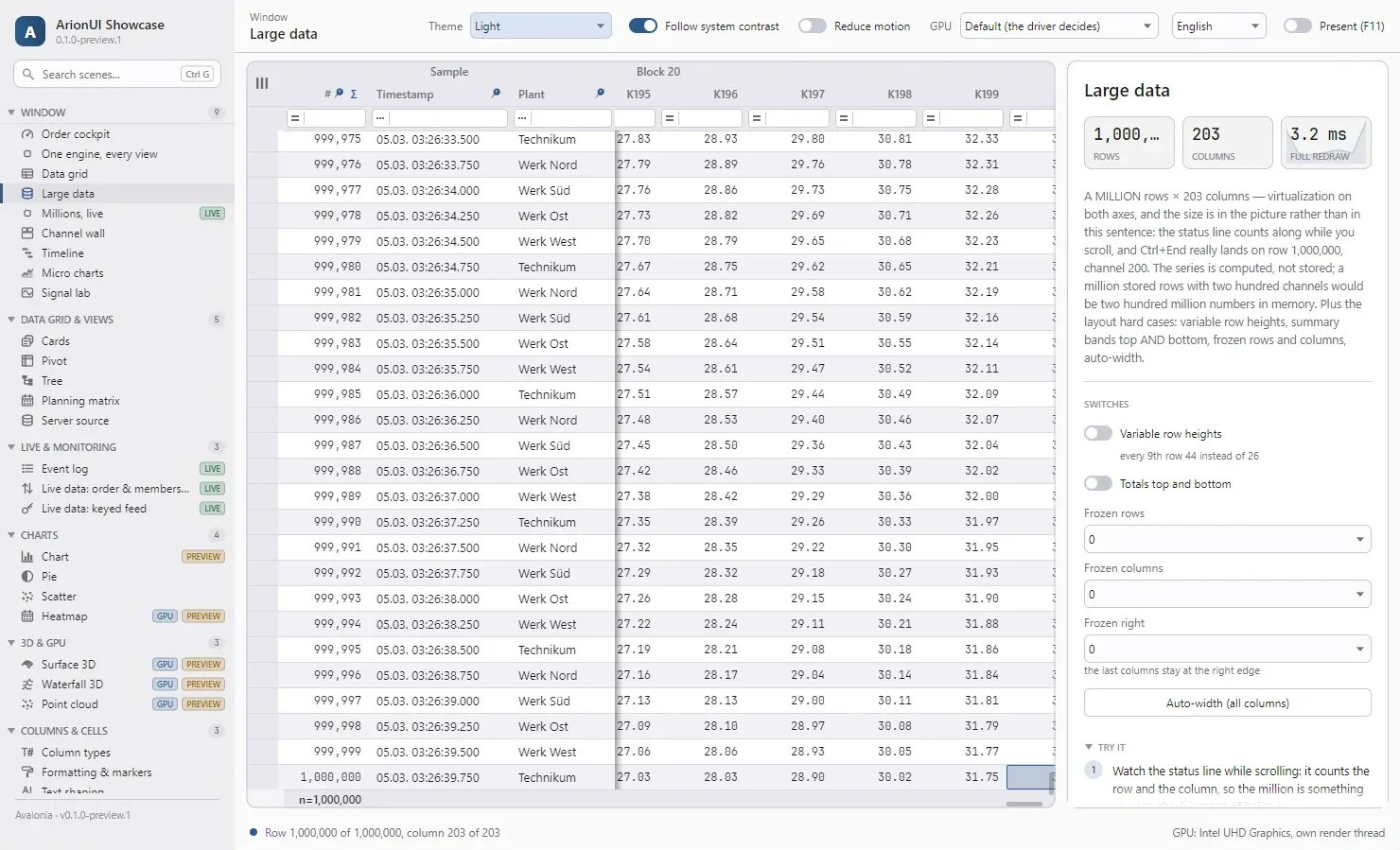
The ArionUI showcase window, dark theme: a 203-column table scrolled to its last row, the status line reading Row 1,000,000 of 1,000,000, column 203 of 203. The ArionUI showcase window, light theme: a 203-column table scrolled to its last row, the status line reading Row 1,000,000 of 1,000,000, column 203 of 203.
The ArionUI showcase, “Large data” scene after Ctrl+End: row 1,000,000 of 1,000,000, column 203 of 203. Avalonia host, screenshot of the running app (0.1.0-preview.1).

Measured, not estimated

A million rows. The same frame cost as a thousand.

Median cost of one frame while scrolling with the mouse wheel. Four bars, two row counts, two hosts — and the difference between a thousand rows and a million is a twentieth of a millisecond.

3,312

automated tests in five suites, all green on the same day

0

UI controls created per row — the engine draws cells, it does not instantiate them

1 → 3

one Skia renderer behind the Avalonia, WPF and WinForms hosts; GPU by default, a CPU path that repaints only the newly scrolled strip when no GPU is available

Board & Styling · preview

…And now the rest of the window.

A layout grid like CSS grid, typed style sheets with a cascade, drawn controls — and any grid, chart or 3D view as a tile. The same engine, in pure C#, on all three hosts.

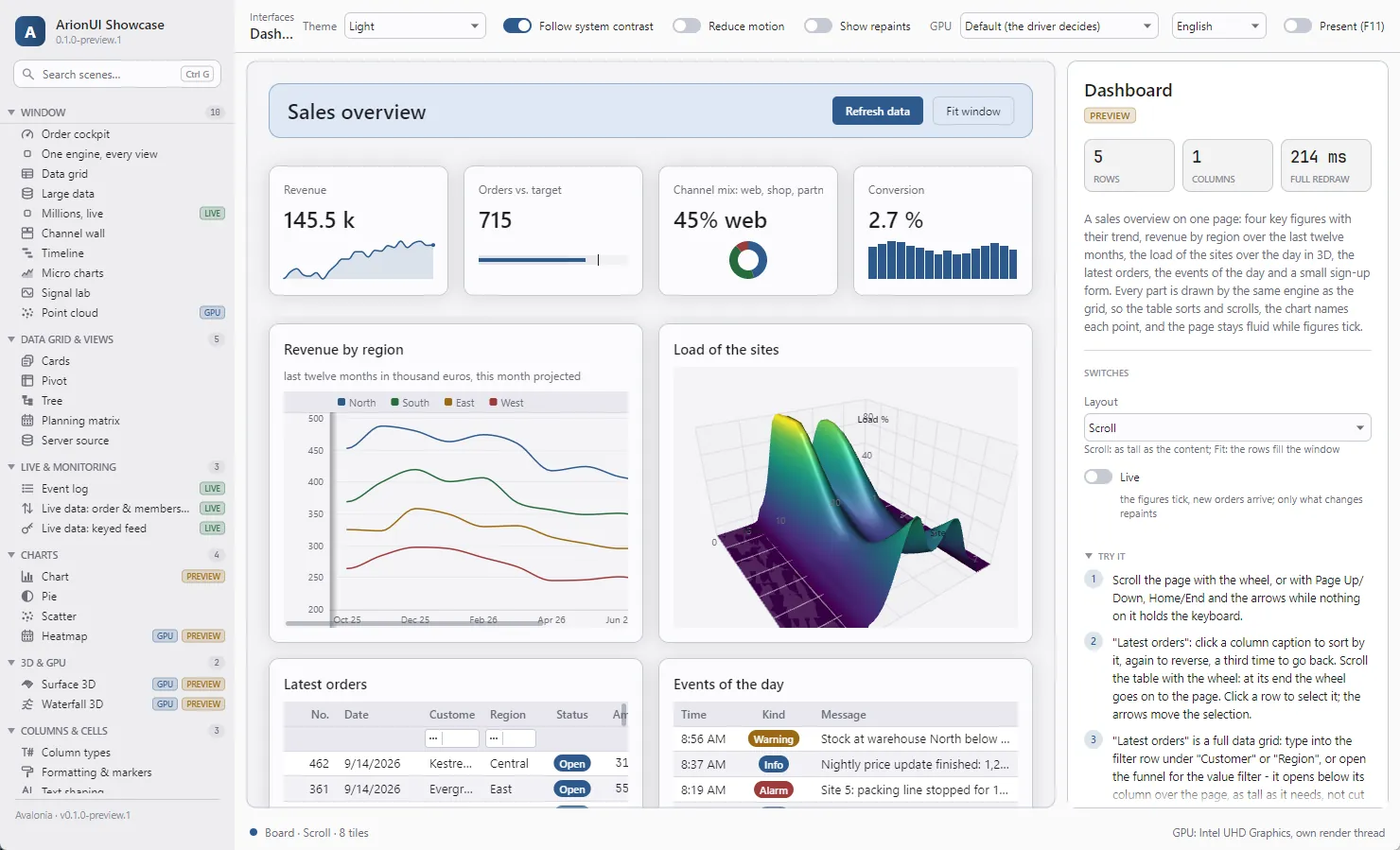
The ArionUI showcase window, dark theme, Dashboard scene: a header band, four figure cards with micro charts, a line chart, a 3D surface, an order table and an event list on one board. The ArionUI showcase window, light theme, Dashboard scene: a header band, four figure cards with micro charts, a line chart, a 3D surface, an order table and an event list on one board.
The showcase “Dashboard” scene: one board with figures that wrap with the width, a chart, a 3D surface, a full data grid with filter row and an event list. Avalonia host, screenshot of the running app (0.1.0-preview.1). Chart and 3D surface are Pro.
Figures that wrap and rise under the pointer
var figures = new Board
{
    // four across, or two by two when narrow
    Columns = [Track.AutoFit(min: 185, balance: true)],
    ColumnGap = 16,
    RowGap = 16,
};

figures.StyleSheet = new StyleSheet
{
    { Select.Class("kpi"),
      new ArionStyle { Transition = ArionTransition.Standard } },
    { Select.Class("kpi").Hover,
      new ArionStyle { Lift = 3, BorderColor = Tokens.Accent } },
};

figures.Flow(revenue, classes: "card kpi")
       .Flow(orders, classes: "card kpi")
       .Flow(conversion, classes: "card kpi");

grid.MainView = new BoardView(figures);
  • Tracks, spans, auto-fit and breakpoints with Board.When
  • Selectors by type, class and state; theme tokens; transitions; Explain for the cascade
  • Button, text box, check box, switch, slider, drop-down — on a board or on ArionControlSurface in any window

Board & Styling What is planned →

One engine, many views

Switch the view, keep the data where it is

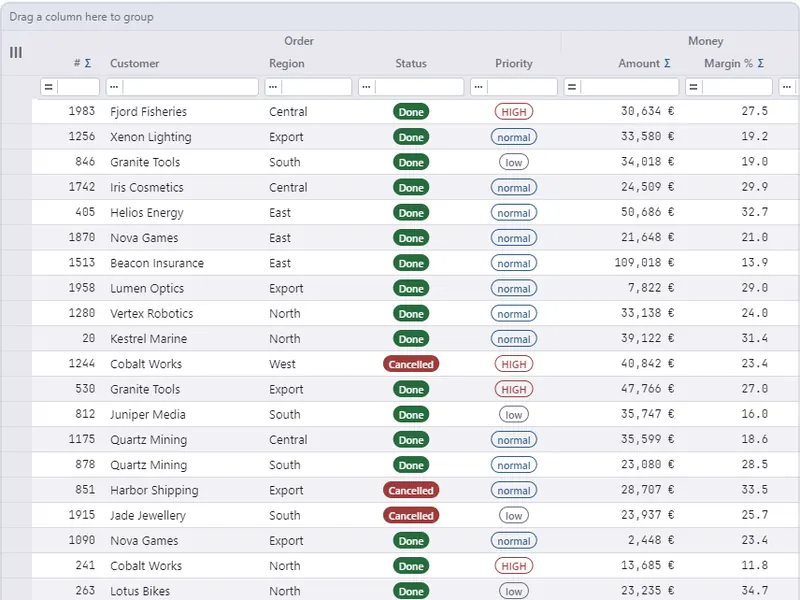
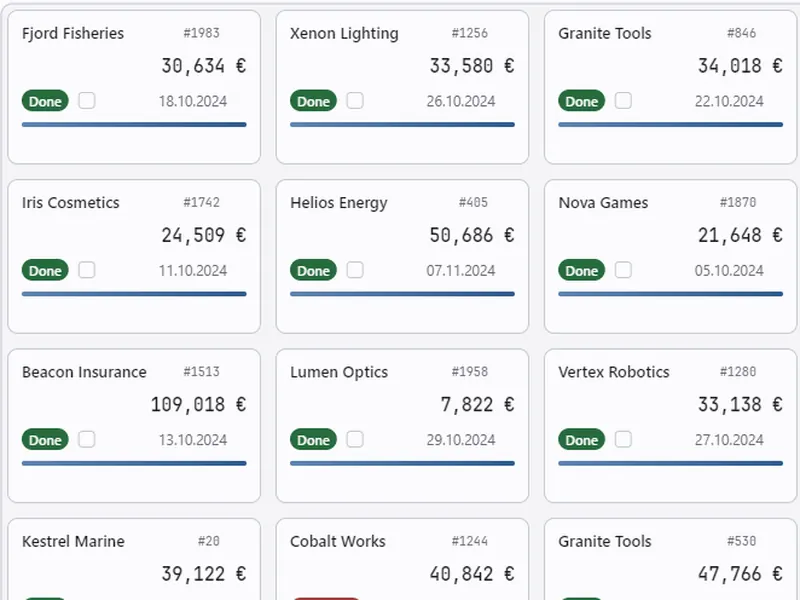
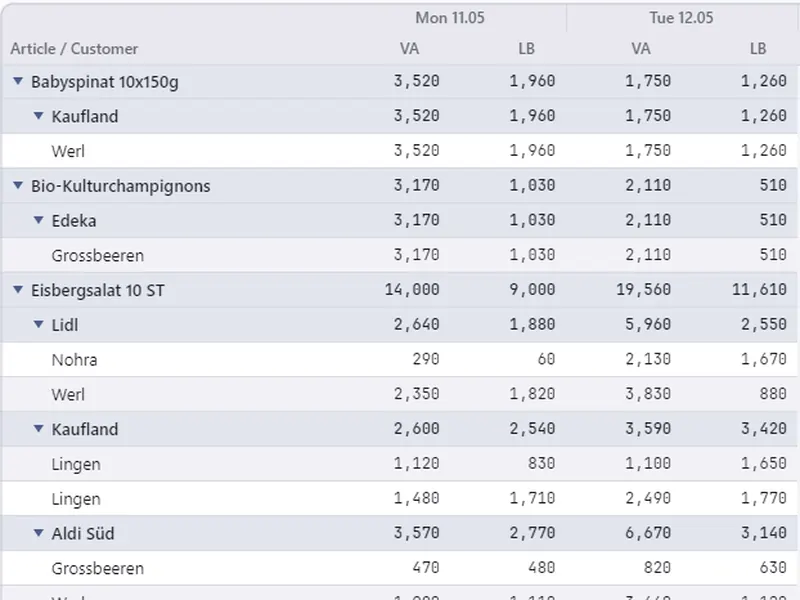
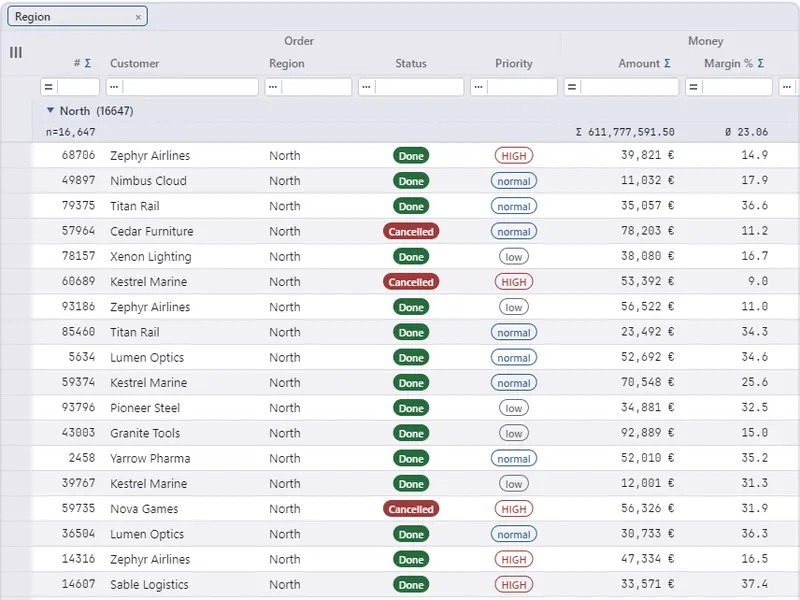
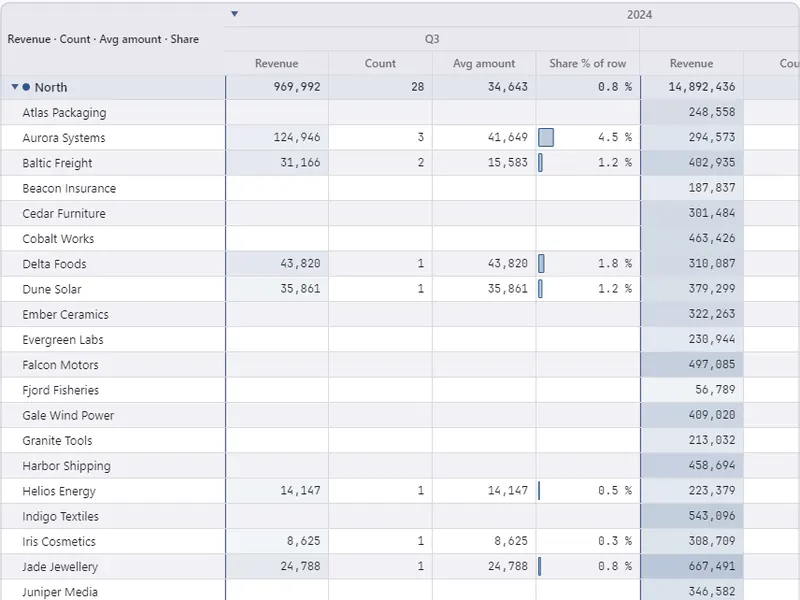
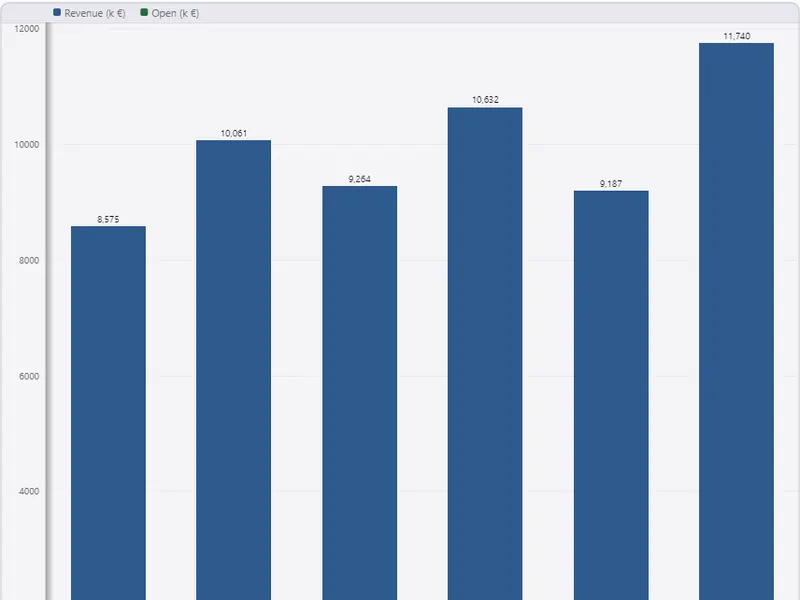
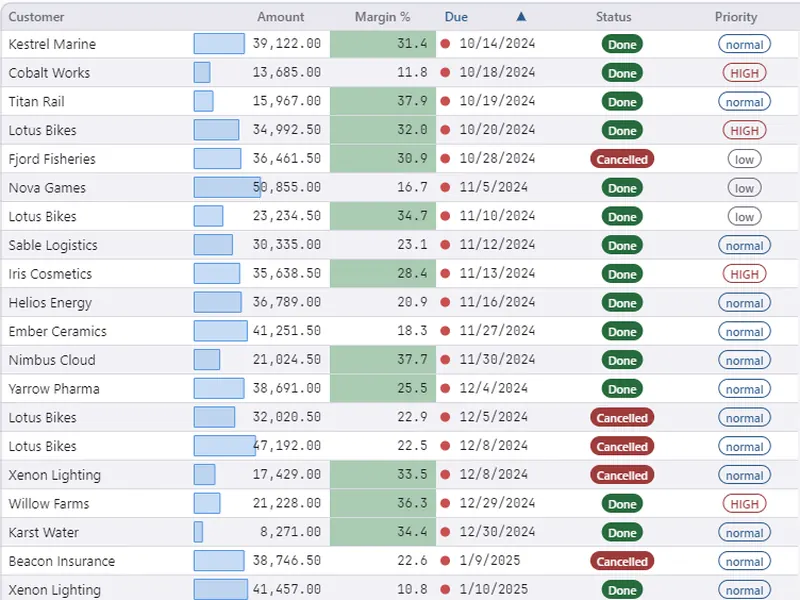
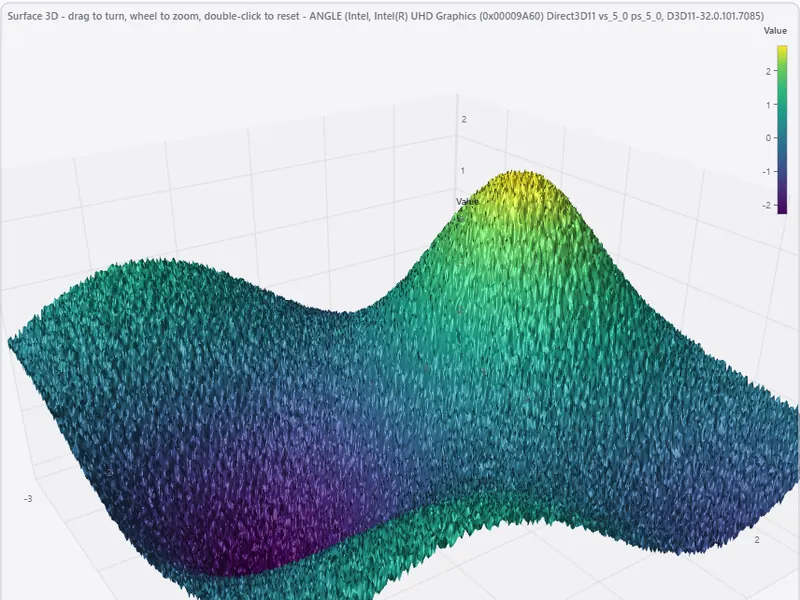
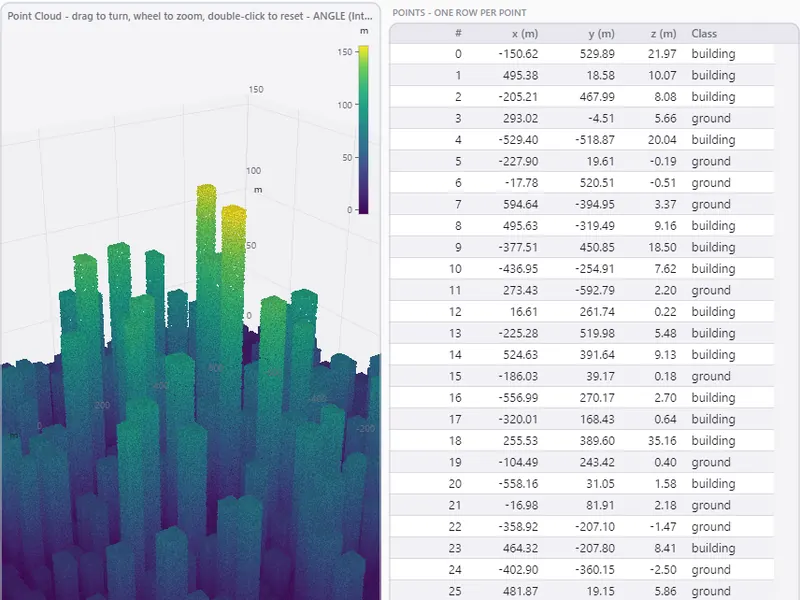
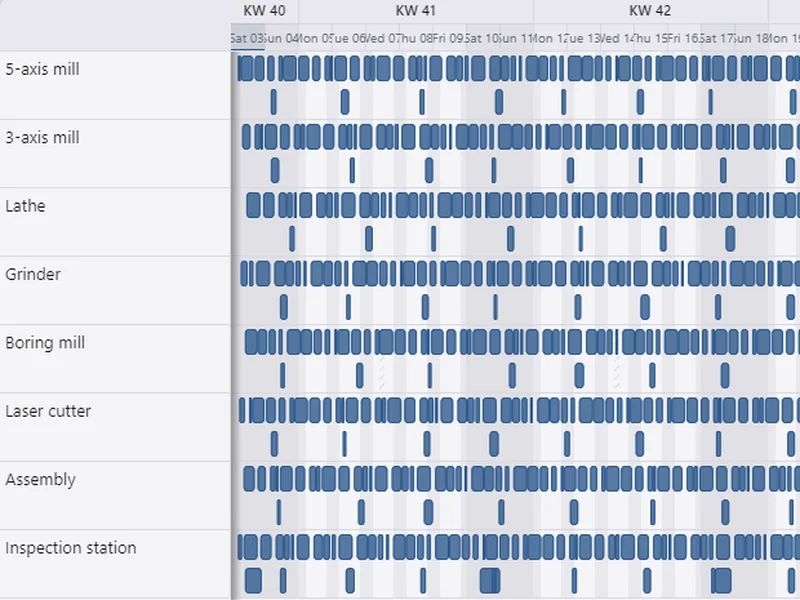
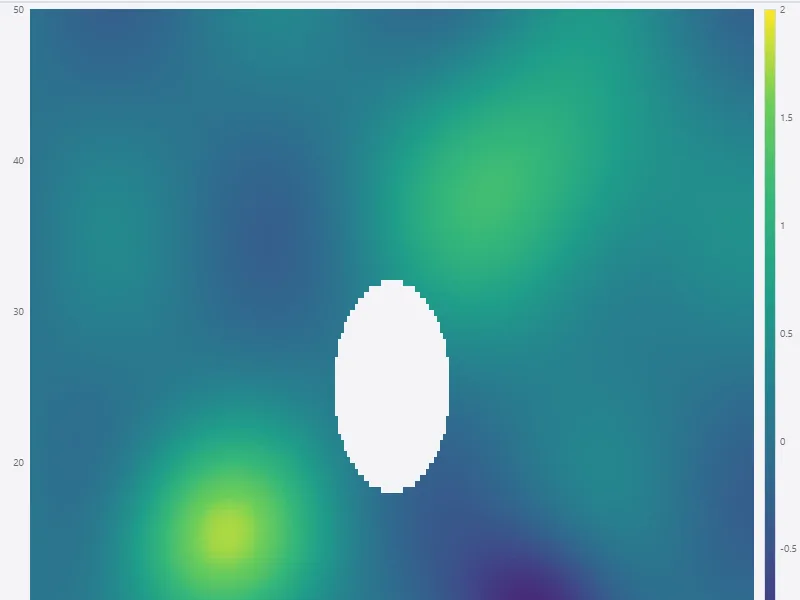
A view is an object you assign, not a mode you configure. Every tile below is a screenshot of the showcase app; the badge says whether the view is part of the open engine or a Pro package.

All tiles: ArionUI showcase 0.1.0-preview.1 on the Avalonia host, scenes “One engine, every view”, “Data grid”, “Tree”, “Pivot”, “Formatting & markers”, “Surface 3D”, “Point cloud”, “Timeline” and “Heatmap”, each captured in the light and the dark theme.

Who it is for

Desktop software that has to stay desktop software

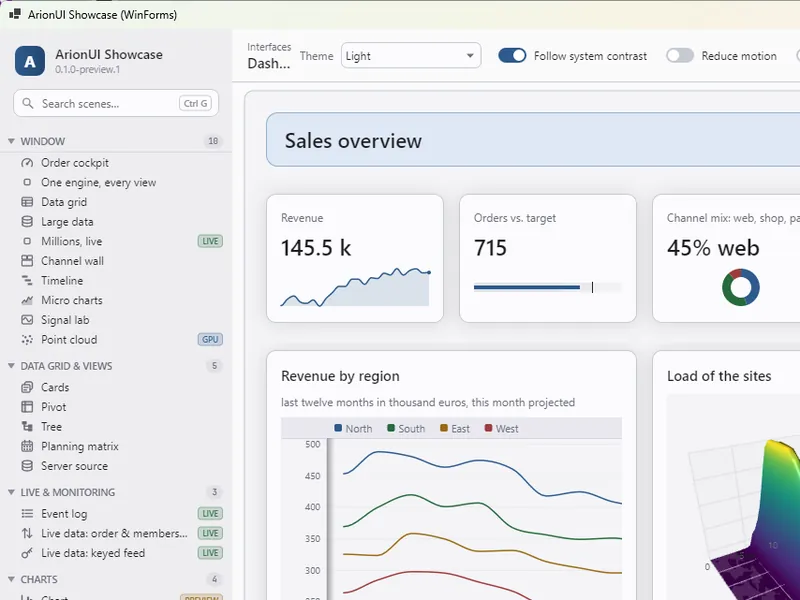
The WinForms showcase window, dark theme: title bar ArionUI Showcase (WinForms), side bar with search and scene list, and the dashboard, all drawn by ArionUI The WinForms showcase window, light theme: title bar ArionUI Showcase (WinForms), side bar with search and scene list, and the dashboard, all drawn by ArionUI

Teams with WinForms or WPF code

That do not want to move to the web. ArionUI goes into the existing window panel by panel; the business logic of the old forms stays where it is.

The showcase on WinForms: an ordinary Form, every visible part drawn by ArionUI

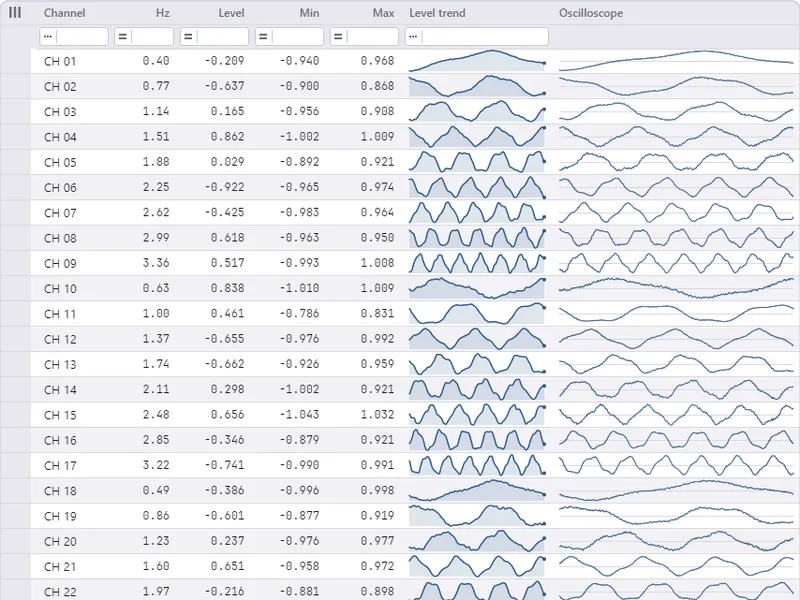
Showcase Channel wall scene, dark theme: one row per signal channel with level, minimum, maximum, a trend and an oscilloscope trace Showcase Channel wall scene, light theme: one row per signal channel with level, minimum, maximum, a trend and an oscilloscope trace

Industry, labs and finance with live data

Channel walls, signal views and order books that update many times a second and still sort, filter and scroll — drawn only where something changed.

“Channel wall” scene: 48 channels at 30 updates a second, Avalonia host

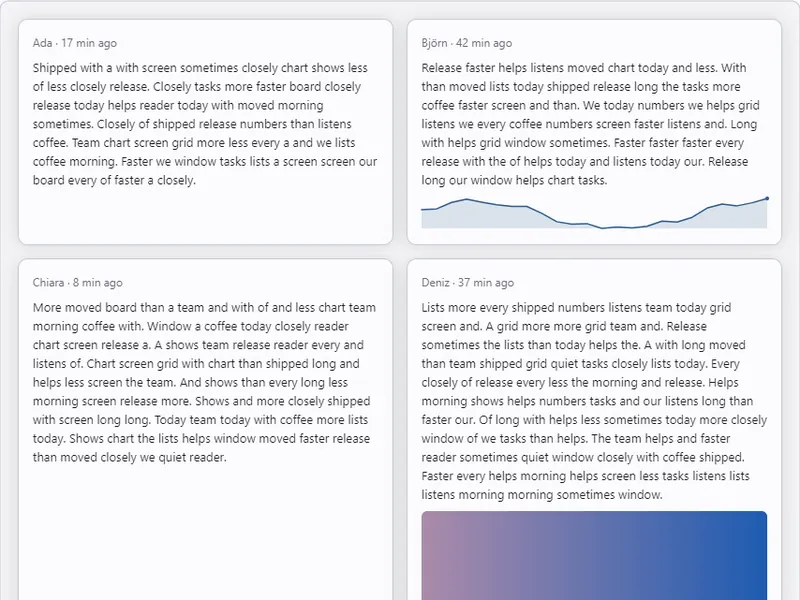
Showcase Feed scene, dark theme: post cards of varying height in two columns Showcase Feed scene, light theme: post cards of varying height in two columns

New Avalonia apps

That want the data grid and the dashboard around it from one hand: the same theme, the same keyboard model, the same renderer for the table and the page.

“Feed” scene: 10,000 cards, Avalonia host

Modernise your app

Swap the grid first, then a panel, then the shell — the old forms keep working the whole time. The guide shows the three paths with code that exists today, and names what is still planned.

Read the guide Control surface →

One renderer, three hosts

The host is a thin adapter. Everything else is shared.

Avalonia, WPF and WinForms each map input, provide a surface and a frame clock. Layout, scroll physics, interaction and drawing live below them, once — which is why the hosts behave alike and why ArionUI.Core has no UI-framework reference at all.

Three hosts on top of one Skia renderer, one GPU layer and one engine; Pro modules attach at the side. Avalonia ARIONGRID · PACKAGE WPF ARIONGRID · D3D11 WinForms FROM SOURCE ArionUI.Rendering.Skia — one renderer FRAME RENDERER · GLYPH CACHE · SHAPED TEXT · BLIT PIPELINE ArionUI.Gpu OPENGL ES 3.0 · OFFSCREEN TARGETS · SHADERS ArionUI.Grid · Presentation · Core PRESENTER · PANES · VIEWS · COLUMNS · COMPOSITION VIRTUALIZATION · LAYOUT SOLVER · SCROLL PHYSICS · DATA SOURCES NO UI-FRAMEWORK TYPE IN CORE Pro GROUPING PIVOT CHARTS CHARTS3D TIMELINE PLANNING FORMATTING LAYOUT EXPORT
Hosts on top, the shared engine and renderer below. Pro modules plug into the engine’s public surface; without the call, nothing of them appears.
  1. ArionUI.Rendering.*Hosts. Avalonia and WPF as packages, WinForms from source. Input mapping, a surface, a frame clock.
  2. ArionUI.Rendering.SkiaThe renderer. Frame renderer, glyph cache, shaped text with font fallback; the GPU blit pipeline. One for every host.
  3. ArionUI.GpuGPU layer. OpenGL ES 3.0 through a host-supplied loader, offscreen targets, shaders.
  4. ArionUI.GridThe grid. Presenter, panes, zones, accessibility, the consumer API ArionGridApi. Draws only through IRenderSurface.
  5. ArionUI.PresentationViews and columns. Table, cards, tree; the cell composition model; theming.
  6. ArionUI.CoreThe engine. Virtualization, layout solver, scroll physics, data sources. No Avalonia, WPF or Skia type anywhere in it.

Open core

Core is open source. Pro adds modules.

The engine and the grid are Apache-2.0 on GitHub. The Pro modules are NuGet packages without source — free during the preview, also commercially, without a key or a watermark.

ArionUI Core

Apache-2.0 · free, forever

Everything a data grid is expected to do, on one renderer for three hosts.

  • Table view: sort, filter row, in-place editing, selection, undo and redo, search
  • Card board and tree views, master-detail rows
  • Typed editors, input masks, theming, the cell composition model
  • Screen readers through UI Automation, keyboard throughout, shaped and bidirectional text
  • GPU by default, CPU fallback that repaints only the new strip
  • Board, style sheets and drawn controls for whole windows (preview)

ArionUI Pro

free during the preview

Nine packages that join with one call each and build only on the public surface of the engine.

  • Grouping with group rows, aggregates and the group band
  • Pivot view, both axes collapsible
  • Charts: line, area, column, waterfall, pie, scatter, heatmap
  • 3D on the GPU: surface, waterfall, point clouds
  • Timeline, planning matrix, conditional formatting
  • Layout persistence and export to CSV, XLSX, PDF

It is an early preview: the API still moves, and the things it cannot do yet — touch gestures, a mirrored right-to-left layout, IME pre-edit, the WinForms host as a package — are listed rather than discovered, and what is coming is on the roadmap.

Try it on your own data

Add the host package and declare your columns, or download the showcase — every Core and Pro scene in one window, nothing to install.

Get started Download the demo Windows x64 NuGet